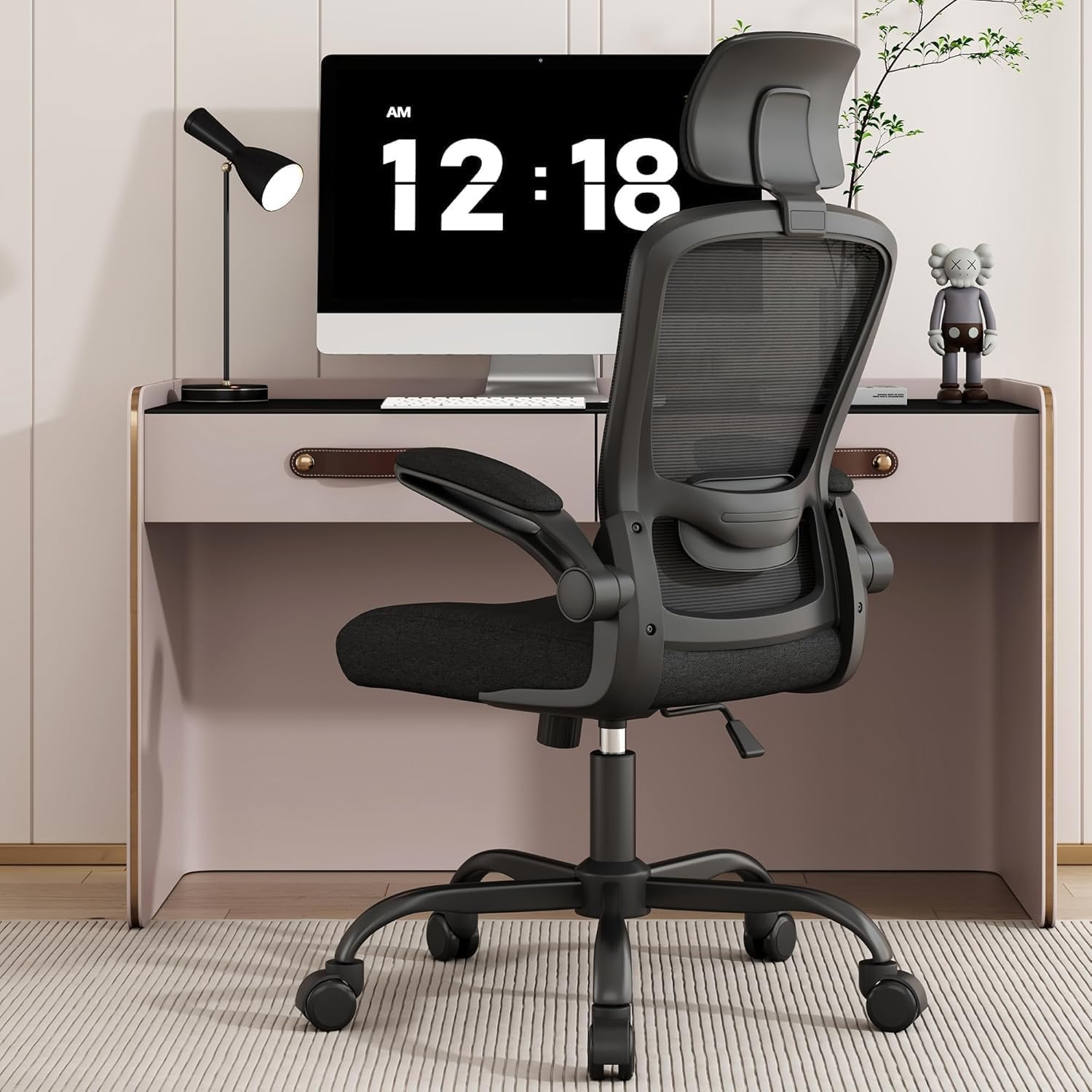
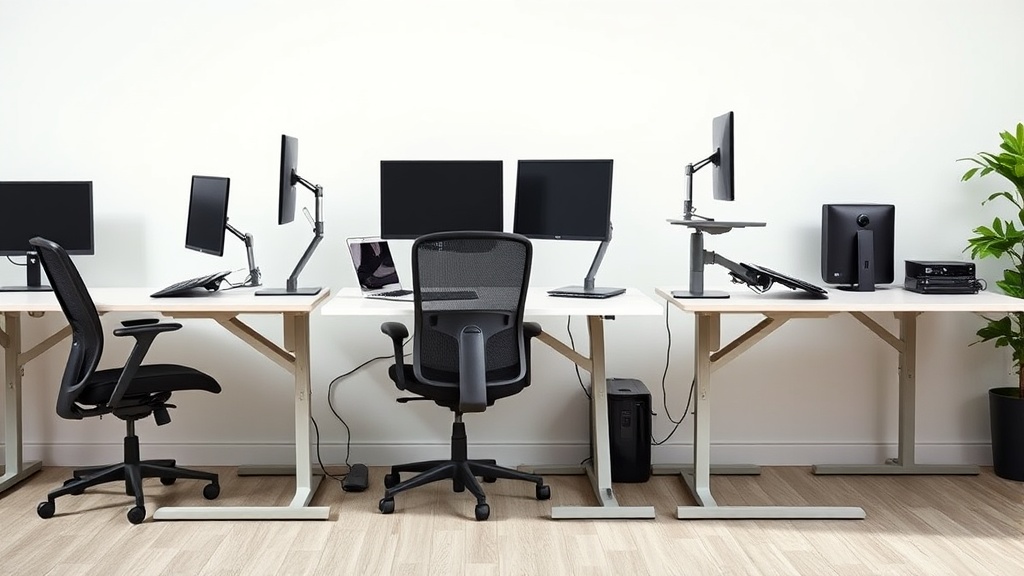
Setting up an ergonomic standing desk at home can feel overwhelming if you’re used to sitting all day. You want to avoid the common pitfalls of discomfort, poor posture, and fatigue that come from rushing into standing desk use without proper setup. This guide will walk you through the essential steps to create a standing desk workspace that supports your body for all-day use, focusing on measured fit, adjustability, and practical comfort—not just marketing buzzwords.
Why Ergonomics Matter for Standing Desks
Standing desks promise better health and focus, but without thoughtful setup, you might end up with back pain, wrist strain, or leg fatigue. Ergonomic principles help you find a personalized configuration—like correct desk height, monitor placement, and anti-fatigue matting—to make standing comfortable for hours. Unlike flashy product ads, the real challenge is establishing a workspace tailored to your body’s dimensions and work habits.
See also: 24. How to set up a laptop-only home office ergonomically
Step 1: Choose the Right Desk with Adjustable Height Range
Standing desks come at various price points and adjustability levels. The goal is to find one that fits your body both sitting and standing.
- Measure Your Ideal Standing Desk Height: Stand upright with arms relaxed, bent at roughly 90 degrees at the elbows. Your desk surface or keyboard tray should be at this height.
- Check the Desk’s Height Adjustment Range: Make sure the desk goes low enough for seated work (if it’s a sit-stand model) and high enough to fit your standing posture comfortably.
- Consider the Mechanism: Electric motors offer smooth, repeatable adjustment; manual crank or pneumatic options may cost less but can be less precise.
Example height range guideline:
- Ideal seated desk height: 25-30 inches (63.5-76 cm) depending on chair and leg length
- Ideal standing desk height: 38-48 inches (96.5-122 cm) depending on your height
If the desk is too short or too tall at extremes, you risk awkward wrist extension, shoulder hunching, or leaning forward.
Step 2: Calibrate Monitor(s) Height and Distance
Poor monitor setup is a major ergonomic misstep. A standing desk changes your viewing angle, so adjusting the monitor accordingly is crucial.
- Top of the Screen at or Slightly Below Eye Level: Your eyes should naturally land near the top third of the screen when standing straight.
- Distance Should Be About an Arm’s Length: Typically 20-30 inches depending on your screen size and vision.
- Use a Monitor Arm if Possible: This allows 4D movement (height, distance, tilt, pivot), helping position the screen to avoid neck strain and glare.
If you already feel neck tension after short standing periods, your monitor is probably too low or too close.
Step 3: Position Keyboard, Mouse, and Input Devices Correctly
Input devices must maintain neutral wrist and shoulder postures.
- Keyboard and Mouse at Elbow Height: When standing, your forearms should be roughly parallel to the floor or slightly declined.
- Ensure 4D Armrest Adjustability: Armrests on your chair are less relevant in standing, but if you use supports or lean onto the desk, foam padding and armrest adjustability can reduce shoulder tension.
- Try a Negative Tilt Keyboard Tray: Tilting the keyboard tray slightly downwards helps keep wrists straight.
Pressure-mapping studies show that even small angles of wrist extension drastically increase pressure on tendons, raising injury risk.
Step 4: Stand on an Anti-Fatigue Mat and Wear Supportive Shoes
Standing on hard flooring causes leg and foot discomfort quickly.
- Use an Anti-Fatigue Mat: These mats spread pressure across your feet and encourage subtle muscle movements that improve circulation.
- Wear Comfortable Shoes with Arch Support: Avoid barefoot or flat-soled shoes as they transmit more impact forces to your joints.
- Alternate Foot Postures: Use a small footrest or balance board to shift weight and engage different muscle groups.
This setup mitigates fatigue and makes standing for extended periods more sustainable.
Step 5: Integrate Sit-Stand Habit and Take Movement Breaks
Standing full-time isn’t necessary—or recommended.
- Aim for a 1:1 or 1:2 Ratio of Standing to Sitting: Start with standing 15-30 minutes every hour, gradually building endurance.
- Move Frequently: Short walks, stretches, or calf raises reduce stiffness.
- Listen to Your Body: Back pain or foot soreness signals a need to reposition or rest.
Properly calibrated desks complement healthy work habits rather than replace movement.
Ergonomic Feature Comparison: Standing vs Sit-Stand Desks
| Feature | Standing Desk (Fixed Height) | Sit-Stand Desk (Adjustable Height) | Notes |
|---|---|---|---|
| Height Adjustability | None; fixed at standing height | Adjustable, often electric, manual crank, or pneumatic | Sit-stand desks are more versatile for mixed sitting/standing use |
| Fit Customization | Limited to desk height; monitor/input setup key | Full height range allows precise ergonomic fit in both postures | Adjustable range should cover your personal sitting and standing heights |
| Cost | Usually lower price point | Generally higher, depending on mechanism | Tradeoff between price and ergonomic versatility |
| Setup Complexity | Simpler setup, fewer moving parts | More components and setup to consider | More features require more ergonomic calibration |
| Use Case | Mainly for standing-focused users | Ideal for users alternating sitting and standing | Consider your daily workflow and load |
Common Pitfalls to Avoid
- Ignoring seat depth and lumbar support if switching between sitting and standing: Proper chair support matters even with standing desks.
- Setting the desk height based on assumptions, not measurements: Use a tape measure and your actual body positions.
- Skipping armrest adjustability or underestimating wrist posture: Arm support reduces shoulder fatigue when sitting; wrist alignment matters standing.
- Standing in one position all day: Prolonged immobility defeats the purpose.
- Using marketing copy as a sole guide: Terms like “ergonomic” are not regulated; comfort comes from personal fit, not buzzwords.
Summary
Setting up an ergonomic standing desk at home involves measuring your body, choosing a desk with an appropriate height range, ordering your monitors and input devices to keep neutral postures, and adding supportive tools like anti-fatigue mats and shoes. Don’t rush the setup or limit your use to standing only—build movement into your day and prioritize comfort above brand hype. With patience and attention to fit, your standing desk will support your productivity and health throughout long workdays.
Frequently Asked Questions
Q: How high should my standing desk be?
A: Your standing desk surface or keyboard tray should be set so your elbows are bent at about 90 degrees and your forearms are parallel or slightly declined. Typically, this is roughly at wrist height when standing upright.
Q: Can I just stand all day at my desk?
A: Sitting or standing all day isn’t ideal. Aim for a gradual approach with intervals of standing mixed with sitting and moving. A typical recommendation is standing for 15-30 minutes every hour.
Q: Do I need special shoes for a standing desk?
A: Supportive shoes with good arch support and cushioning help reduce foot and leg fatigue when standing. Avoid very flat or unsupportive shoes, and use an anti-fatigue mat for additional comfort.
Related reading
- Tips for Organizing Your Home Office Ergonomically
- Standing Desk Height Adjustment: Finding Your Ideal Position
- Tips for Setting Up an Ergonomic Workspace with Chairwise Products
- Benefits of Adjustable Standing Desks for Home Offices
- 34. Setting chair height when you cannot stand without your laptop