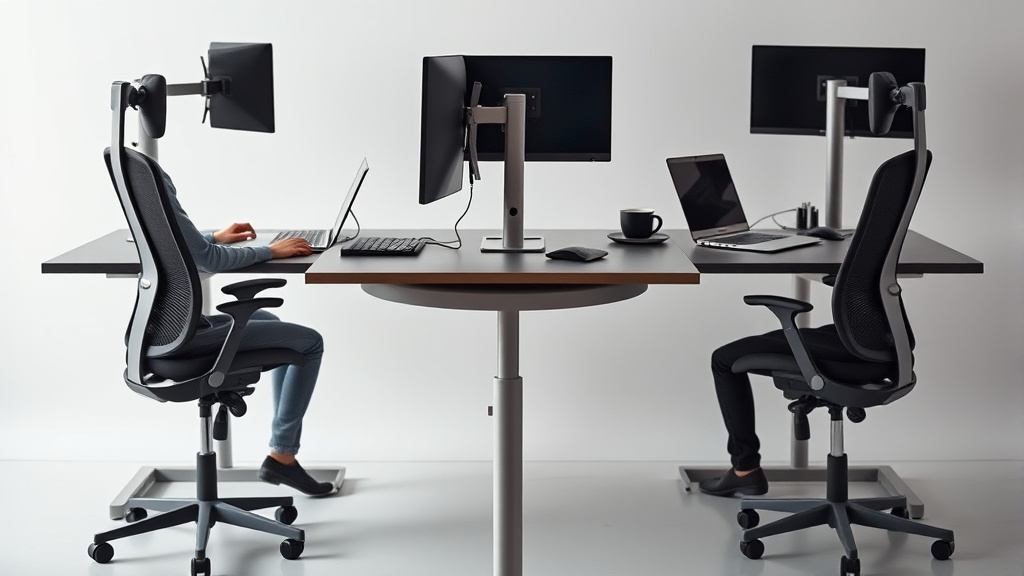
Standing Desks and Their Role in Combating Sedentary Lifestyle
For desk workers who spend upwards of eight hours daily sitting, the physical toll of a sedentary lifestyle is a growing concern. Prolonged sitting can lead to back pain, poor circulation, reduced metabolism, and increased risk of chronic diseases. Standing desks have emerged as a popular ergonomic intervention to mitigate these risks by encouraging periodic standing and movement. However, understanding how standing desks can fit into a practical ergonomic strategy and their limitations is critical to ensuring that they improve, rather than complicate, your workday comfort and health.
What Are Standing Desks?
A standing desk, also called a sit-stand desk, is a desk that allows the user to alternate between sitting and standing positions while working. These desks typically have adjustable height mechanisms—manual or electric—that raise or lower the desktop surface. The goal is to reduce continuous sitting time by enabling frequent changes in posture, thus promoting increased movement, engagement of different muscle groups, and better blood flow.
Standing desks range from simple converter units that sit atop a traditional desk to fully integrated height-adjustable desks with programmable height presets. They vary in adjustability, stability, and available workspace.
See also: Standing Desks as a Solution to Improve Circulation at Work
How Standing Desks Help Combat Sedentary Lifestyles
The core benefit of standing desks lies in reducing the total time spent seated. This helps counteract some of the known negative health effects of prolonged sitting, such as:
- Decreased lower back stress by promoting better spinal alignment when standing.
- Increased calorie expenditure compared to sitting.
- Improved circulation, reducing risks of blood pooling and varicose veins.
- Potential enhancement in energy levels and focus due to increased alertness.
However, standing desks are not a panacea on their own. They’re most effective when integrated into a comprehensive ergonomic strategy that considers fit, comfort, and variation throughout the day.
Ergonomic Fit and Adjustability: The Key to Comfortable Standing
Simply standing isn’t inherently better if the setup forces awkward postures or static loading. Key ergonomic factors to consider include:
- Desk Height Adjustability: The range should accommodate both sitting and standing postures, ideally between about 22” (56 cm) and 48” (122 cm), depending on user height.
- Monitor Height and Distance: Your screen should be roughly at eye level, without having to tilt your head up or down, and about an arm’s length away.
- Keyboard and Mouse Placement: These should allow your elbows to remain at approximately a 90-degree angle, wrists straight, and shoulders relaxed both sitting and standing.
- Anti-Fatigue Mat Usage: If standing for long periods, cushioning underfoot can help reduce pressure on feet and promote micro-movements.
A poorly fitted standing desk setup might cause neck strain, arm fatigue, or increased pressure on the feet.
Balancing Sitting, Standing, and Movement: The 8-Hour Workday Reality
While standing desks encourage breaking up sitting time, standing for extended periods—especially without movement—can cause discomfort, fatigue, or circulatory issues. Experts generally recommend the following guidelines:
| Activity | Recommended Duration per Hour | Notes |
|---|---|---|
| Sitting | 30-40 minutes | Use ergonomic chair with lumbar support |
| Standing | 15-20 minutes | Use anti-fatigue mat to reduce pressure |
| Moving/Walking | 5-10 minutes | Includes stretching, walking breaks |
Integration of standing desks thus works best when combined with regular short movement breaks and proper chair ergonomics during sitting periods.
Common Pitfalls When Using Standing Desks
- Standing All Day: Some users assume standing desks eliminate the need for sitting. Prolonged standing can lead to plantar fasciitis, varicose veins, and lower limb fatigue.
- Lack of Adjustability: Desks that don’t adjust to the right height (or are manual and difficult to switch) reduce the likelihood of alternating postures throughout the day.
- Poor Ergonomic Setup: Incorrect monitor height, keyboard position, or desk depth can result in neck, shoulder, and wrist strain regardless of sitting or standing.
- Ignoring Movement: Standing still for too long offers limited benefit. Movement and dynamic changes in posture are essential.
Making the Most of a Standing Desk: Practical Tips
- Start Slow: Begin by standing for 15-20 minutes every hour and gradually increase as you adapt.
- Use an Anti-Fatigue Mat: This reduces foot pressure and encourages small movements to ease fatigue.
- Adjust Desk Heights Precisely: Sit with feet flat on the ground, knees at 90°, and elbows also roughly at 90°, keyboard at or slightly below elbow height. Standing height should keep elbows in similar 90° angles and screen at eye level.
- Incorporate Dynamic Movement: Take short walking breaks, do light stretching, and shift weight from foot to foot to keep circulation flowing.
- Track Your Comfort and Adjust: Use tools like pressure mapping apps or sensors to notice fatigue points or tension areas and optimize setup accordingly.
Standing Desk vs. Traditional Desk: Key Differences Matrix
| Feature | Standing Desk | Traditional Desk | Best Suited For |
|---|---|---|---|
| Height Adjustability | Adjustable for sitting and standing | Fixed height | Users prioritizing posture variety |
| Posture Variation | Encourages frequent transitions | Mostly seated, less variation | Combating sedentary habits |
| Initial Cost | Generally higher due to mechanisms | Generally lower-cost | Budget-conscious buyers |
| Setup Complexity | Requires ergonomic calibration and planning | Typically plug-and-play | Quick installation |
| Health Benefit | Promotes movement, reduces sitting time | Prolonged sitting may increase health risks | Users seeking health interventions |
| Risk of Fatigue | Potential leg/foot fatigue if overused | Potential back/neck strain from sitting | Users who balance standing/sitting well |
Frequently Asked Questions
Q: How long should I stand at a standing desk during the workday?
A: Aim to alternate sitting and standing every 30-40 minutes of sitting followed by 15-20 minutes of standing—combined with short movement breaks—to minimize fatigue.
Q: Can standing desks help reduce back pain?
A: Yes, standing desks can alleviate lower back strain by promoting better posture and reducing prolonged sitting; however, correct ergonomic setup and movement are essential for sustained relief.
Q: Do I need any special accessories to use a standing desk comfortably?
A: An anti-fatigue mat is recommended to reduce foot pressure during standing. Adjustable monitor arms and an ergonomic chair for sitting periods are also beneficial.
Standing desks are a valuable tool for combatting the health risks of prolonged sitting, but their effectiveness depends heavily on proper ergonomic setup, balanced use, and incorporation of movement. By taking a measured, data-driven approach to how you stand and sit during your workday, standing desks can be a practical part of a healthier, more comfortable, and more productive routine.
