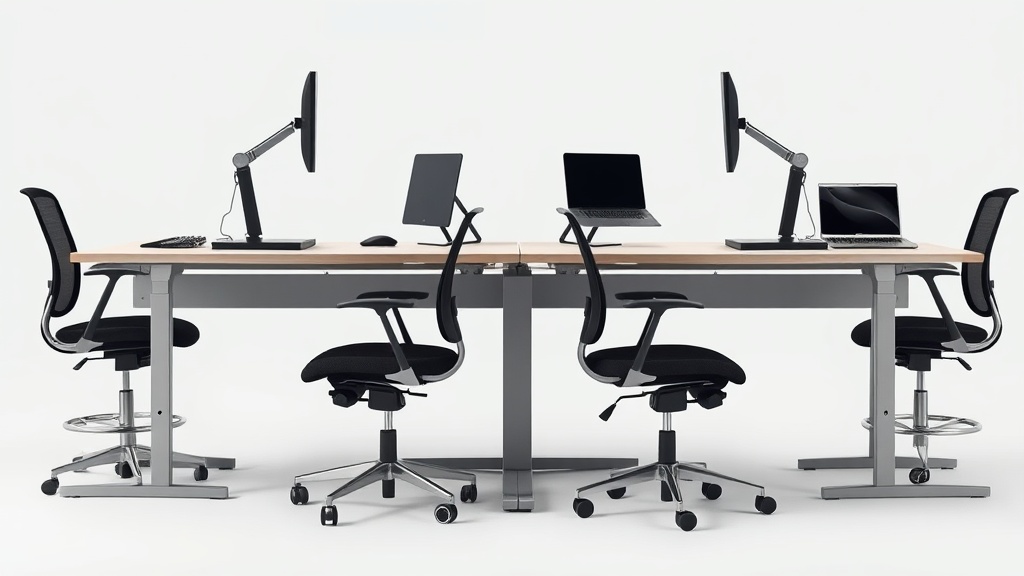
Standing desks are a popular ergonomic solution to reduce the risks of prolonged sitting during office work. However, simply having a standing desk isn’t enough—finding the correct height adjustment for your desk is crucial for comfort, productivity, and long-term health. Many desk workers struggle with neck strain, wrist discomfort, or back pain despite using a standing desk because their setup isn’t individually optimized. This article walks you through what ideal standing desk height means, how to find it, and the common mistakes to avoid when adjusting your desk.
What Is Standing Desk Height Adjustment?
Standing desk height adjustment refers to setting the desk surface at the optimum vertical level that aligns with your body posture while standing. Unlike a fixed-height desk, height-adjustable desks allow you to raise or lower the surface to accommodate different activities or users.
The ideal height adjustment minimizes strain on your joints, supports a neutral spine posture, and fosters natural arm and wrist positions for working with a keyboard and mouse. It plays a pivotal role in ergonomic fit, akin to how a chair’s seat depth or lumbar support range tailors your sitting position.
See also: How to Position Dual Monitors Ergonomically in Your Home Office
How to Find Your Ideal Standing Desk Height
Finding your optimal standing desk height involves understanding your body mechanics and workstation usage. Follow these steps carefully:
1. Measure Your Elbow Height Standing
Stand upright with arms relaxed by your side, then bend your elbows to a 90-degree angle so your forearms are parallel to the floor. Measure from the floor to your elbow crease. This is your target desk height.
Why: Your desk surface should be roughly even with your elbow height to maintain neutral angles in your shoulders and wrists.
2. Set Your Desk Height to Match Elbow Height
Adjust your standing desk to the height measured for your elbows. Use a tape measure if needed or a smartphone app. Your desk surface should allow your forearms to rest flat or slightly angled downward while typing.
3. Check Monitor and Screen Position
Once your desk is set, adjust your monitor screen height to minimize neck flexion or extension:
- Top of screen at or slightly below eye level
- Screen about an arm’s length away (20-30 inches)
- Slight upward gaze of about 15 degrees
A monitor riser or adjustable arm can help achieve this without compromising desk height.
4. Confirm Neutral Wrist and Shoulder Position
Place your hands on the keyboard or mouse:
- Wrists should remain straight, not bent up/down or side-to-side.
- Shoulders relaxed, not raised or hunched.
- Elbows close to your body.
If you feel strain in shoulders or wrists, adjust the desk height slightly or consider ergonomic accessories like wrist rests.
5. Wear Comfortable Shoes or Anti-Fatigue Mats
Standing ergonomic positioning is affected by your footwear and floor surface. Supportive shoes and cushioned mats reduce fatigue, helping you maintain good posture longer.
6. Switch Between Sitting and Standing Regularly
Even with perfect standing desk height, standing for hours can cause discomfort. Alternate with sitting or walking breaks every 30-60 minutes.
Why Exact Height Matters: The Science and Sensor Feedback
Working at a standing desk height that’s too high or low can cause:
- Shoulder elevation or slouching: Leading to tension headaches and neck pain.
- Wrist extension or flexion: Increasing risk of carpal tunnel syndrome.
- Hip and lower back stress: From leaning forward or arching the back.
Pressure-mapping studies show that mismatched desk heights increase skeletal and muscular strain, reducing comfort and productivity especially during long workdays.
Comparison Table: Typical Standing Desk Height vs Ideal Custom-Fit
| Feature | Typical Pre-Set Height | Ideal Custom-Fit Height | Outcome |
|---|---|---|---|
| Desk Height | Often 42-45 inches (fixed) | Matches elbow height (varies 38-48 inches) | Reduces strain on shoulders & wrists |
| Arm and Wrist Position | Often wrist bent upwards/down | Neutral wrist angles | Minimizes development of RSI |
| Monitor Position | Fixed or not adjustable | Top of screen at eye level | Prevents neck fatigue |
| Work Duration Comfort | Comfortable only short term | Supports 8+ hours/day without discomfort | Enhanced long-term productivity |
| Adjustability | None or limited | Easy, smooth, precise elevation changes | Supports dynamic working styles |
Common Pitfalls When Adjusting Standing Desk Height
- Ignoring armrest or chair height coordination: If you sit sometimes, your chair and desk heights should be coordinated to avoid strain switching positions.
- Setting desk too high under esthetic assumptions: Desk height that’s too tall forces shoulders to hunch or wrists to bend.
- Neglecting the monitor height and angle: A properly adjusted desk with a poorly adjusted screen causes neck pain.
- Standing in hard shoes or on hard floors: Leading to foot, leg, and back discomfort that masks desk height benefits.
- Not testing the setup over a full workday: Micro adjustments often needed as discomfort builds with prolonged use.
Practical Adjustments Beyond Desk Height
- Use an adjustable keyboard tray: Fine-tunes wrist and arm position without changing desk height.
- Consider 4D armrests on your chair: Adjustable for height, depth, width, and pivot to support arms whenever seated.
- Incorporate movement cues: Timers or apps to remind you to shift positions regularly.
- Experiment with desk height increments around your elbow measurement: Sometimes 1-2 inches up or down improves comfort dramatically.
Conclusion
Standing desk height adjustment is not a set-it-and-forget-it affair. It requires intentional measurement based on your body’s unique dimensions and thoughtful integration with monitor and chair height. By aligning desk height with your elbow level and ensuring neutral joint positioning, you optimize comfort and reduce injury risk during your 8+ hour workdays. Combining this with movement and ergonomic accessories gets you the most out of your standing desk investment without succumbing to awkward postures and fatigue.
Frequently Asked Questions
Q: Can I use a standard desk height measurement to set my standing desk?
A: Standard heights often don’t fit everyone due to variations in body proportions. Measuring your elbow height while standing is more accurate for ideal desk setup.
Q: How often should I adjust my standing desk height?
A: Adjust as you switch between sitting and standing and periodically review your comfort—especially if you experience new aches or after changes in footwear or monitor setup.
Q: What if I feel tired standing, even at the correct desk height?
A: Fatigue can stem from standing too long without breaks, poor flooring, or no footwear support. Use anti-fatigue mats, wear comfortable shoes, and alternate sitting/standing frequently.
