
Monitor Arm Cable Management Solutions for a Tidy Workspace

By Nate Frost · Senior Editor
Published May 12, 2026 · Last reviewed May 12, 2026
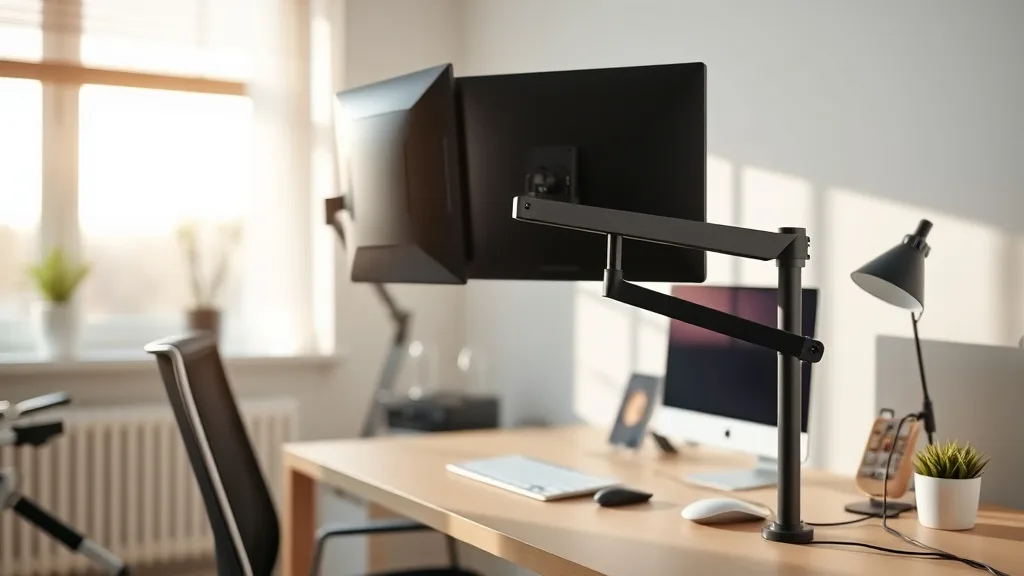
Cable clutter is a persistent problem for desk workers looking to maintain an ergonomic and visually clean workspace. A monitor arm can help free desk space and optimize screen positioning, but without proper cable management solutions, the cables hanging from your monitor and peripherals often end up in a tangled mess that negates those benefits. This article breaks down how monitor arm cable management works, when to implement various solutions, and common pitfalls to avoid in pursuit of a tidy, ergonomic setup.
What is Monitor Arm Cable Management?
Monitor arm cable management refers to the methods and components used to organize and route cables from your monitor, peripherals, and power supplies when using adjustable monitor mounts. Monitor arms elevate your screen above the desk surface and allow dynamic positioning but can leave cables dangling and snagging if not managed well.
Cable management solutions aim to:
- Prevent cables from sagging, tangling, or snagging on the arm or desk edges
- Make it easy to adjust the monitor position without cable strain
- Preserve a neat, uncluttered appearance for the workspace
- Maintain accessibility for plugging/unplugging devices
These solutions may involve built-in cable channels in the arm, clips and ties, or surface-mounted conduits and sleeves.
See also: Monitor Arm Installation Tricks for a Clutter-Free Desk
How Monitor Arm Cable Management Works
There are several common methods and hardware components used in monitor arm cable management. These methods often combine to fit the particular arm, cable types, and workspace constraints.
1. Integrated Cable Channels
Many monitor arms include internal or external channels designed specifically to route cables along the arm structure. These are plastic or metal troughs with covers that keep cables contained as you tilt, swivel, and extend the arm.
- Pros: Clean look, keeps cables firmly in place, easy to access for cable changes.
- Cons: Cable thickness limits, fixed path can restrict cable types.
2. Cable Clips and Hooks
Small clips or adhesive hooks can secure cables along the arm or underneath the desk. They are flexible and work with varied cable diameters.
- Pros: Inexpensive, adaptable, easy to reposition.
- Cons: Adhesives can wear out, clips may not handle thick cables well.
3. Velcro Straps and Zip Ties
Bundling cables together with hook-and-loop straps or zip ties simplifies routing and prevents tangling.
- Pros: Affordable, tidy bundles, great for multiple cables.
- Cons: Zip ties can damage cables if over-tightened, less flexible once fastened.
4. Cable Sleeves and Tubing
Sleeves or spiral wrap tubing encase multiple cables to streamline their appearance and protect them from damage.
- Pros: Professional look, protects cables, reduces wear and tear.
- Cons: Difficult to add/remove cables once encased, can trap heat.
5. Desk Grommets and Under-desk Channels
Routing cables through desk grommets and under-desk cable trays or channels complements the monitor arm management by keeping cables out of sight and off the surface.
- Pros: Keeps cables fully off the desktop, prevents clutter.
- Cons: Requires desk modifications or purchases, less flexible.
When to Use Each Cable Management Solution
Choosing the right combination depends on the type of monitor arm, your cables, and your workspace priorities.
| Scenario | Recommended Solution | Reason |
|---|---|---|
| Single monitor, few cables | Integrated cable channels + Velcro straps | Simple wiring needs, leverage built-in features |
| Multiple monitors, many peripherals | Cable sleeves + desk grommets + clips | Bulk cable management, clean desk surface |
| Temporary setups or rentals | Cable clips + Velcro straps | Non-permanent, easy adjustments |
| Thick or specialty cables | Clips + under-desk channels | Avoid channel limits, protect cable integrity |
| Minimalist aesthetic | Integrated channels + cable sleeves | Sleek, concealed wiring |
Common Pitfalls to Avoid
Even with a good cable management plan, mistakes happen that can undermine ergonomic benefits and workspace tidiness:
Ignoring Cable Length and Slack
Too short cables strain connections and limit monitor arm movement; too long cables create loops and tangles. Measure cable runs carefully, factoring in full arm adjustment range to maintain consistent slack without excess.
Over-tightening Zip Ties
Excessive tightness can damage cable insulation, causing signal loss or failure. Use adjustable Velcro straps if you’ll need to modify cabling often.
Neglecting Airflow and Heat Dissipation
Encasing cables in tight sleeves and tubing without ventilation traps heat around power adapters and high-speed data cables, potentially affecting performance and lifespan.
Disregarding Cable Types and Connectors
Some connectors require more clearance or flexible routing (e.g., HDMI versus USB-C). Plan their paths accordingly to prevent stress and disconnections when adjusting the arm.
Overcomplicating the Setup
Creating elaborate cable patterns may look impressive but make future changes or troubleshooting tedious. Simplicity often wins for maintainability.
Tips for Achieving a Tidy, Ergonomic Desk Setup
- Prioritize adjustable monitor arms with integrated cable management channels; these save time and reduce extra hardware.
- Use cable labeling or color coding when bundling multiple cables.
- Maintain easy access points for USB hubs or power strips near your desk.
- Routinely adjust cables after repositioning your monitor arm to ensure no strain.
- Combine under-desk trays with cable clips on the arm for consistent neatness.
Comparison Table of Cable Management Solutions
| Solution Type | Cost | Flexibility | Aesthetic Impact | Installation Difficulty | Best For |
|---|---|---|---|---|---|
| Integrated Cable Channels | Low to Mid | Moderate | High (clean look) | Easy (included with arm) | Standard single or dual monitor setups |
| Cable Clips/Hooks | Low | High | Moderate | Easy | Temporary setups, varied cable sizes |
| Velcro Straps | Very Low | High | Low | Very Easy | Bundling multiple cables |
| Zip Ties | Very Low | Low | Low | Easy | Permanent, low-movement cables |
| Cable Sleeves/Tubing | Mid | Low | High | Moderate | Professional, multi-cable routing |
| Desk Grommets/Trays | Mid to High | Low | Very High | Moderate to Hard | Full desk cable mitigation |
Frequently Asked Questions
Q: Can I use any type of cable clip for monitor arms?
A: While many clips work, choose those designed for cable management to avoid damage or slipping. Adhesive clips should have strong hold but be removable.
Q: How much slack should I leave for cables on an adjustable monitor arm?
A: Aim for about 6-12 inches of slack to accommodate full arm movement without tension, adjusting based on monitor arm reach.
Q: Will cable sleeves affect signal quality or heat dissipation?
A: Generally, sleeves don’t impact signal. However, enclosing power adapters or high-speed cables in unventilated sleeves can raise temperature, potentially degrading performance over time.