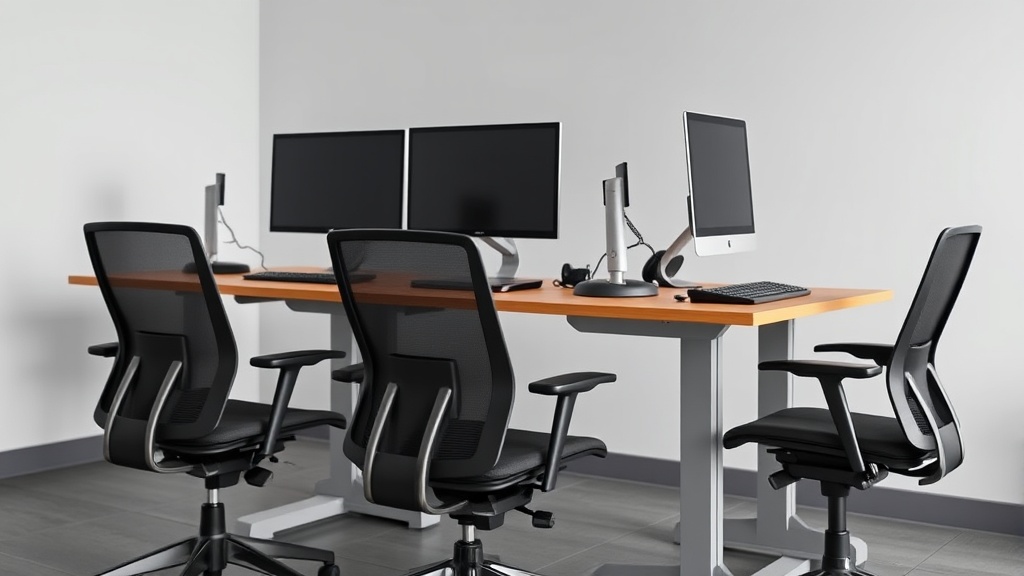
Creating an inviting home office requires more than just a comfortable chair and a sturdy desk—it hinges critically on lighting. Many desk workers find their productivity and well-being suffer from poor lighting setups, especially when spending 8+ hours a day in the same space. Harsh overhead lighting can cause eye strain and headaches, while insufficient light can kill focus and energy levels. This guide breaks down practical, ergonomic lighting design ideas that balance aesthetics and function, ensuring your home office feels welcoming and supports your daily workflow without the usual marketing fluff.
What Is Lighting Design for a Home Office?
Lighting design for a home office refers to planning and implementing various sources of light to create an environment that is visually comfortable, minimizes eye strain, and supports productivity. It’s about layering different types of lighting—ambient, task, and accent—in a way that adapts to your working hours and posture rather than relying on a single overhead fixture.
Good lighting design integrates with your ergonomic furniture choices, accounting for factors like seat height, desk depth, and screen placement, so you avoid glare and awkward postures that worsen fatigue over time.
See also: Setting Up Lighting to Reduce Glare on Computer Screens
How Lighting Design Works to Improve Your Home Office
The core principle behind effective lighting design is layering diverse lighting sources with adjustability to tailor the environment based on time of day and task. Here’s how the main components function:
-
Ambient Lighting: Provides general illumination, reducing eye strain and shadows. Usually supplied by ceiling lights or wall sconces. The intensity and color temperature should not overpower the space.
-
Task Lighting: Directed light aimed at specific work areas like your keyboard, documents, or drawing tablet. Important for detail work and for windowless rooms or late-night hours.
-
Accent Lighting: Decorative but functional lights that highlight art, plants, or shelving. These add warmth and dimension but shouldn’t compete with task lighting.
The technical side involves selecting fixtures that allow adjustable brightness (dimmability) and color temperature (measured in Kelvins, where ~4000K offers a comfortable neutral white). Positioning is crucial to avoid glare on your monitor and sharp shadows that tire your eyes during long sessions.
When To Use Specific Lighting Types
| Lighting Type | Purpose | Best Use Case | Key Benefit |
|---|---|---|---|
| Ambient | Overall room light | Daytime work when natural light is limited | Reduces eye strain broadly |
| Task | Focused illumination on work surface | Reading, writing, computer work | Improves visibility on details |
| Accent | Decorative, creates warmth and interest | Highlighting decor or adding softness | Makes workspace inviting |
For example, if working early mornings or late evenings, task lighting with a warm 3500K bulb can reduce blue light exposure that interferes with sleep cycles. During midday, softer ambient lighting prevents contrasts that make your eyes work harder.
How to Implement Effective Lighting Design: Step-by-Step
-
Assess Your Workspace Dimensions and Natural Light Availability
Measure desk depth and seat height to understand how close your light sources can be without causing glare. Observe natural light patterns across the workday. -
Choose Layered Lighting Fixtures
Integrate at least two types of lighting. For instance, install an overhead ambient light with adjustable brightness and one or two adjustable task lamps with flexible arms. -
Prioritize Adjustable Features
Select lamps with dimming options and adjustable color temperature — 2700K-4000K range is ideal to shift warmth. A 4D adjustable armrest in ergonomic chairs often matches well with flexible task lighting for harmonious posture and focus. -
Position Task Lighting Thoughtfully
Task lamps should be placed to the side opposite your dominant hand (left side for right-handed people) to reduce shadows while writing or typing. -
Use Diffusers or Soft Lampshades
This minimizes harsh glare and creates softer light, which is easier on the eyes when seated for long hours. -
Consider Smart Controls
Using programmable dimmers or smart bulbs allows you to adjust lighting automatically through the day, mimicking natural light changes. -
Test and Adjust Based on Comfort and Performance
After installation, spend a few days observing eye comfort, screen reflections, and overall mood. Adjust angles, brightness, or fixture positions accordingly.
Common Pitfalls in Home Office Lighting and How to Avoid Them
-
Over-reliance on Overhead Lighting: Many home offices have a single ceiling fixture that’s too bright and creates glaring reflections. Avoid this by adding supporting layers and diffusers.
-
Ignoring Glare on Screens: Position lights behind or to the side to prevent reflections on computer monitors, which cause eye strain and posture shifts.
-
No Adjustability: Fixed-brightness or color-temperature bulbs lead to discomfort as day shifts from bright to dim. Invest in adjustable lamps.
-
Neglecting Ergonomics: Poor furniture fit (wrong seat depth or armrest height) combined with badly placed lighting forces twisting or leaning that worsens fatigue. Lighting and ergonomics must work as a system.
Lighting Design Comparison Table for Different Home Office Scenarios
| Feature | Small Room with Window | Windowless Room | Shared Space / Multipurpose |
|---|---|---|---|
| Ambient Lighting Type | Dimmable ceiling + natural light | LED overhead with diffuser | Adjustable ceiling + floor lamps |
| Task Lighting | Adjustable desk lamp on side | Bright, adjustable task lamp | Portable task lamp to share space |
| Color Temperature Range | 3000-4000K adjustable | 3500-4000K neutral white | Variable, to suit different users |
| Control Options | Smart bulb + blinds | Manual dimmer | Zoned smart controls |
| Glare Control | Anti-glare window treatments | Matte screen filters | Cable management & screen shields |
Frequently Asked Questions
Q: How bright should my home office lighting be?
A: Aim for about 300-500 lux on your desk surface, which balances visibility without glare. Adjustable task lighting helps fine-tune this during detailed work.
Q: What color temperature is best for long workdays?
A: Neutral white (around 4000K) is generally optimal, as it reduces eye strain. Warmer light tones (2700K-3500K) are better for early mornings or late evenings to avoid disrupting your sleep cycle.
Q: Can I use regular home lighting for video calls?
A: Basic home lights may cause shadows and uneven lighting on your face. Adding a soft key light placed near your camera helps achieve a clear professional appearance.
Thoughtful lighting design creates a comfortable, inviting home office that supports both your ergonomic setup and daily productivity needs. By layering ambient, task, and accent lighting—and choosing adjustable fixtures matched to your workspace dimensions—you’ll enjoy working 8 hours or more without typical eye strain and fatigue.
Related reading
- Impact of Natural Lighting on Workplace Wellness and Output
- Creating a Productive Ergonomic Workspace in Small Home Offices
- How to Design an Ergonomic Workspace for Remote Employees
- 24. How to set up a laptop-only home office ergonomically
- How Proper Lighting Influences Cognitive Performance at Work
