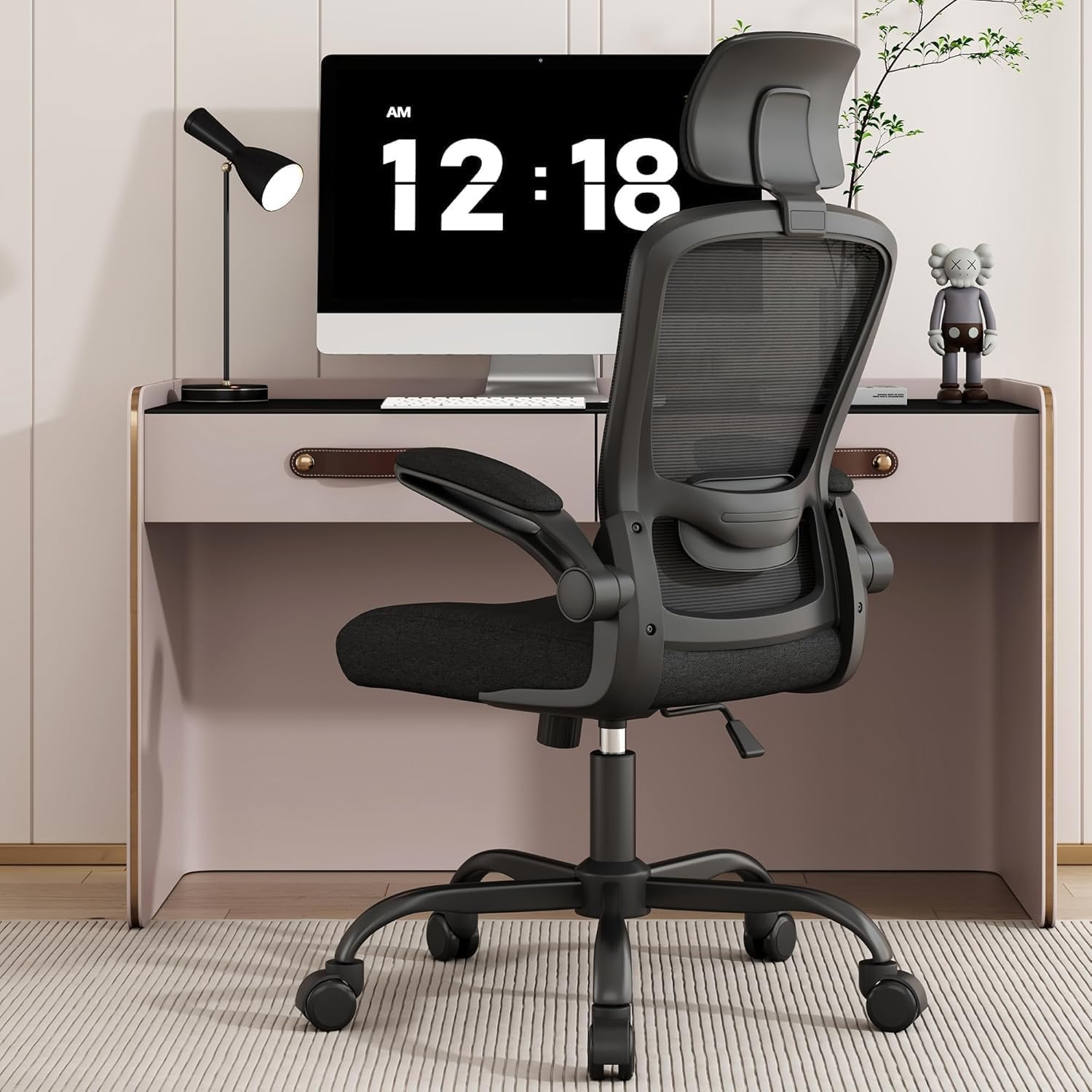
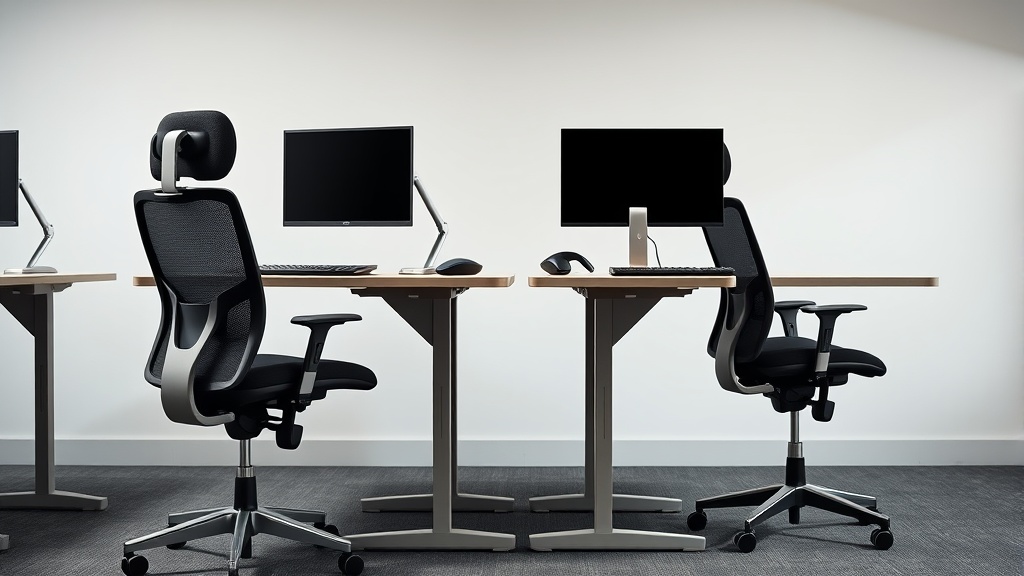
Ergonomic Office Chairs Designed for Long Hours at Work
If you spend eight or more hours a day at your desk, chances are your office chair is either a vital ally or a silent source of discomfort. Many chairs marketed as “ergonomic” promise support and relief, but after hours of work, what truly matters is measured fit—like seat depth, lumbar support adjustability, and armrest mobility—to match your body’s unique dimensions and postural needs. This article explores how ergonomic office chairs work, what features genuinely contribute to comfort during long workdays, and how to avoid common pitfalls when choosing a chair meant to support sustained sitting without pain or fatigue.
What Is an Ergonomic Office Chair Designed for Long Hours?
An ergonomic office chair is specifically engineered to support your body through extended periods of sitting, minimizing strain on muscles, joints, and circulation. These chairs adjust to your body rather than forcing your posture to conform to a fixed design. While many “ergonomic” chairs focus on aesthetic features or marketing buzzwords, those designed for long hours prioritize:
- Adjustable seat depth to accommodate thigh length and prevent pressure behind the knees.
- Lumbar support with a broad adjustability range for lower back curve alignment.
- Armrests that offer 4D adjustability — height, width, depth, and pivot — for correct elbow and shoulder positioning.
- Pressure mapping-informed padding to evenly distribute weight and prevent pressure hotspots.
Unlike simple office chairs, which may have limited adjustability focused on height, true ergonomic chairs allow you to fine-tune each component so you maintain neutral spine alignment and proper circulation during a full workday.
See also: 7. The best budget ergonomic chair under 250 dollars across six body types
How Ergonomic Office Chairs Support You During Long Hours
1. Seat Depth Adjustment: Finding Your Fit
Seat depth refers to the distance from the backrest to the front edge of the seat. This dimension needs to fit the length of your thighs without cutting off circulation behind the knees or letting you sink too far back.
- Too shallow: You may feel the seat edge digging into the back of your thighs.
- Too deep: You may lean forward, losing back support and putting strain on your lumbar spine.
Ideally, you want about 2 to 4 inches between the back of your knees and the seat edge when sitting with your back against the chair.
2. Lumbar Support Range: Supporting the Low Back Curve
Lumbar supports come in many shapes — some fixed, others adjustable in height, depth, or firmness. The goal is to fill the natural inward curve of your lower back to prevent slouching and maintain spinal integrity.
- Chairs for long hours utilize broad lumbar adjustability to accommodate different torso lengths and back curvature.
- Many incorporate a pressure-mapped lumbar cushion that applies gentle, even pressure rather than pinpoint or uneven forces that can cause discomfort.
3. 4D Armrests: Moving Beyond Simple Up and Down
Armrests are often overlooked but critical for reducing shoulder fatigue and arm strain. Armrest height alone is insufficient; full 4D travel means you can:
- Raise or lower the armrest (Height)
- Bring the armrest closer to or farther from your torso (Width)
- Slide the armrest forward or backward (Depth)
- Rotate or pivot the armrest pad for wrist angle support (Pivot)
This flexibility supports your forearms while typing or using a mouse, reducing tension in the neck and shoulders.
4. Pressure Mapping and Padding
Pressure mapping studies identify where a seated person’s weight causes maximum pressure against the chair surface. Chairs designed for prolonged use use these insights to:
- Place padding where it maximizes comfort and circulation.
- Avoid hard, flat areas that cause pressure points.
- Use contouring foam or gel layers to distribute weight evenly across the seat and backrest.
When to Choose an Ergonomic Chair for Long Hours
If your workday regularly exceeds 6 to 8 hours at a desk, investing in an ergonomic chair designed for long hours is well justified. Signs you need one include:
- Consistent lower back or neck pain after sitting.
- Tingling, numbness, or discomfort in your legs or arms during or after work.
- Frequent postural shifts or standing breaks triggered by discomfort.
- Difficulty maintaining focus due to physical discomfort.
Even if you have an existing office chair that worked well at lower durations, extended sitting can reveal issues in fit and support that require upgrading your setup.
Comparison Table: Key Features of Ergonomic Chairs for Long Hours
| Feature | What It Does | Why It Matters for Long Hours | Example Adjustment Range |
|---|---|---|---|
| Seat Depth | Adjusts distance from backrest to seat edge | Prevents knee pressure, supports thighs | 16–20 inches (typical) |
| Lumbar Support | Supports lower back curve | Maintains spinal alignment and reduces fatigue | Height: 3–8 inches adjustable, Depth: 0.5–2 inches |
| Armrests (4D) | Height, width, depth, pivot | Supports arms, reduces neck and shoulder tension | Height: 6–12 inches, Width: 3–7 inches, Depth: 2–5 inches, Pivot: ± 30° |
| Seat Cushion Padding | Foam or gel with ergonomic contouring | Distributes weight evenly, reduces pressure points | Variable density foam, pressure-mapped layers |
| Tilt and Recline Mechanisms | Allows reclining and tilt lock | Changes posture, reduces lower back stress during the day | Adjustable tension, multiple recline settings |
Common Pitfalls When Choosing an Ergonomic Chair for Extended Use
- Relying on Height Adjustment Alone: Many chairs highlight seat height, but this addresses only one dimension of fit. Without matching seat depth and lumbar support, you risk discomfort.
- Ignoring Armrest Adjustability: Fixed armrests can force awkward postures, causing shoulder and wrist pain over time.
- Overvaluing Style or Marketing Buzzwords: Terms like “posture support” or “orthopedic” are often used loosely without meaningful adjustability or support.
- Neglecting to Try the Chair with Your Desk: A perfect chair fit also depends on desk height and keyboard placement. Mismatched setups can reduce ergonomic benefits.
- Assuming Price Equals Comfort: High cost doesn’t guarantee good ergonomics; look for specific features and adjustability ranges backed by data or user reviews.
Making the Most of Your Chair Setup
Beyond choosing a chair suited for long hours, optimize your workstation with these tips:
- Adjust your chair first: Set seat depth and height so your feet rest flat, thighs are supported, and knees form a 90-degree angle.
- Align lumbar support: Adjust until you feel gentle pressure supporting your lower spine.
- Set armrests so shoulders relax: Your elbows should rest lightly with shoulders not shrugged.
- Take frequent breaks: Standing or walking for a few minutes every hour reduces cumulative strain.
- Consider pressure-mapping products: Optional seat cushions or back pads designed with pressure mapping can enhance comfort if your chair lacks adequate padding.
Frequently Asked Questions
Q: What is the ideal seat depth for an office chair?
A: It should allow 2 to 4 inches of space between the seat edge and the back of your knees when sitting fully back, typically between 16 and 20 inches depending on your leg length.
Q: How important are 4D armrests compared to 2D or fixed ones?
A: Extremely important if you work long hours. 4D armrests let you customize position in multiple directions to relieve shoulder and wrist tension. Fixed armrests often cause awkward postures.
Q: Can I use an ergonomic chair without adjusting it?
A: It’s best to adjust all features to your measurements. A mismatch in seat depth, lumbar support, or armrest position can lead to discomfort, even with a high-quality ergonomic chair.
Related reading
- 10. Gaming chairs vs office chairs: what you are actually buying
- Customizing Chairwise Chairs for Personalized Comfort and Support
- Ergonomic Office Chairs with Breathable Mesh for Comfort
- Ergonomic Chair Features to Look for in 2024
- Best Office Chairs for Tall People (6”2”+): Seat Depth, Lumbar Support